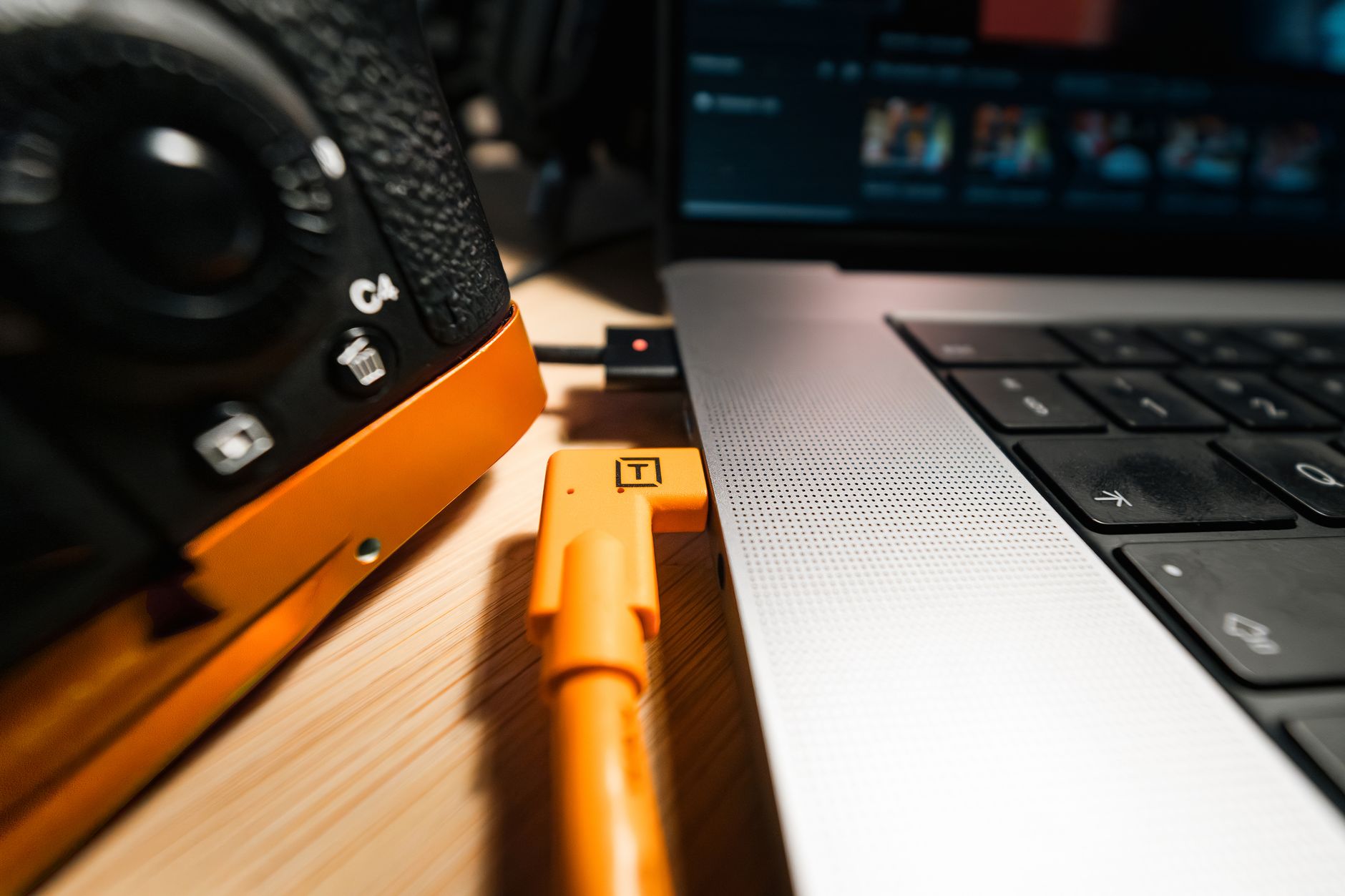
When it comes to sharing your mobile device’s internet connection with other devices, usb tethering is a reliable option. usb tethering allows you to create a physical connection between your device and a computer or other device, providing a faster and more stable connection compared to wi-fi hotspots. This method is particularly useful in situations where a strong and consistent internet connection is required, such as when working remotely or streaming videos.
In this article, we will explore the benefits of usb tethering and provide a step-by-step guide on how to enable it for mobile hotspot. We will also discuss the advantages and disadvantages of using usb tethering compared to other methods of sharing your internet connection.
What is USB Tethering?
USB tethering is a feature that allows you to share your mobile device’s internet connection with a computer or other device via a usb cable. This method is different from wi-fi hotspots, which use wireless signals to connect devices to the internet. With usb tethering, the connection is established through a physical cable, providing a more stable and faster connection.
One of the main advantages of usb tethering is that it provides a faster connection speed compared to wi-fi hotspots. This is because the physical connection eliminates the need for wireless signals, which can be affected by interference and distance. Additionally, usb tethering is more secure than wi-fi hotspots, as the connection is established through a physical cable, making it more difficult for hackers to intercept the signal.
Benefits of USB Tethering
There are several benefits to using usb tethering for mobile hotspot. Some of the key advantages include:
- Faster connection speeds
- More stable connection
- Improved security
- Lower latency
- Increased reliability
These benefits make usb tethering an attractive option for individuals who require a fast and reliable internet connection, such as remote workers, gamers, and streamers.
How to Enable USB Tethering
Enabling usb tethering on your mobile device is a relatively straightforward process. The steps may vary depending on the device and operating system you are using, but the general process is as follows:
First, connect your mobile device to a computer or other device using a usb cable. Then, go to the settings menu on your mobile device and select the option for usb tethering or mobile hotspot. Follow the prompts to enable the feature and establish the connection.
Conclusion and Future of USB Tethering
In conclusion, usb tethering is a reliable and efficient method for sharing your mobile device’s internet connection with other devices. With its faster connection speeds, improved security, and increased reliability, usb tethering is an attractive option for individuals who require a fast and stable internet connection. As technology continues to evolve, it will be interesting to see how usb tethering develops and whether it will remain a viable option for mobile hotspot connections.
Source: engadget.com.






Be First to Comment